


Lobby
Game categories
Use this area when you want to move from Starlight Princess to Auto Roulette or Mega…
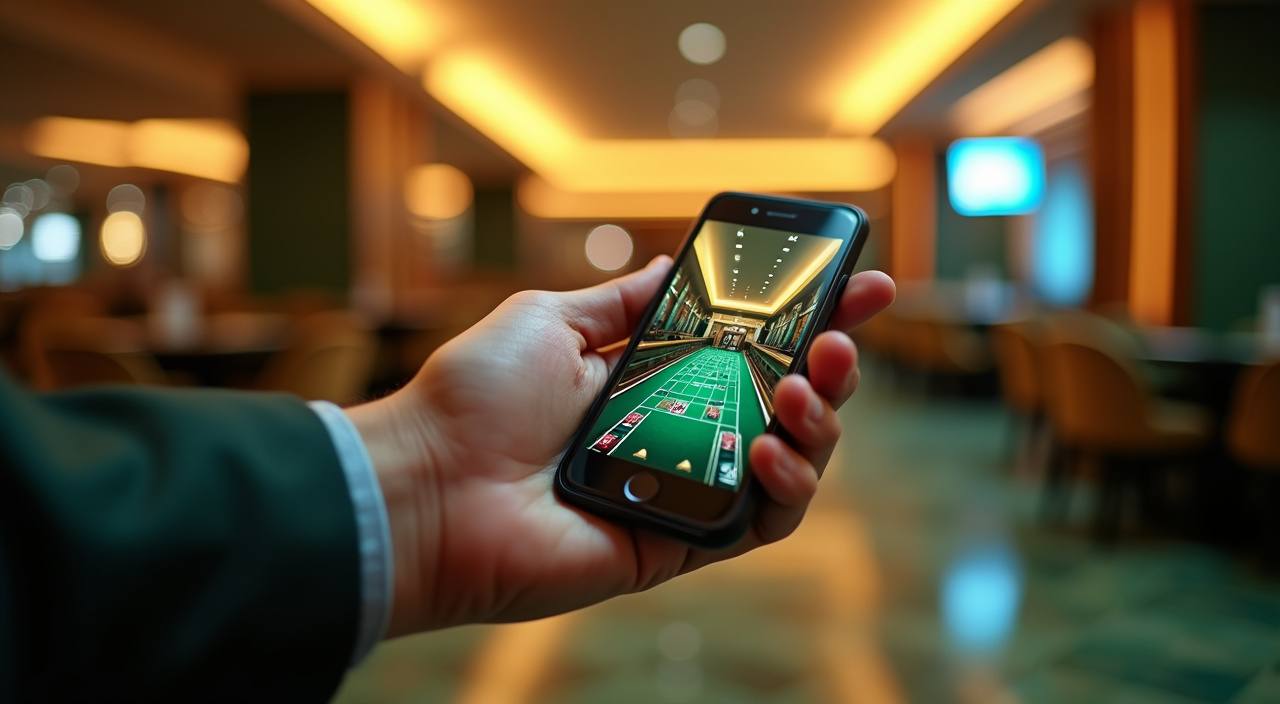
Auto Roulette, Starlight Princess, Rocket Crash and Mega Fishing sit beside our sportsbook entry, with DANA, OVO, GoPay and QRIS shown before you create your account.
Access is available only where local law permits.

Open the home screen to find slots, live casino rooms, table games, fishing play and sportsbook entry points arranged for quick switching.
We feature recognised studios such as Pragmatic Play, PG Soft and Habanero, with logo cards placed near the home lobby filter.
The wallet entry on the home page shows the local rails we support for Indonesia accounts.
We keep deeper pages close to the home screen because your next question usually comes after the first scroll.


Your first visit should answer simple questions: how to create an account, where the wallet sits, what the lobby contains and how access is protected.
When you need help, start from the home footer or the account icon. We keep three practical paths visible: live chat for current issues, email for documents or longer questions and mobile help for screen-specific steps.
Chat is available from 09:00 to 01:00 WIB for login, wallet status and game loading questions while you are on the site.
Send longer account questions to [email protected], especially when you need to attach screenshots or verification details.
If a screen does not load on your phone, tell us your device model, browser and the category you were opening.
The home layout adapts to phone, tablet and larger screens without requiring a separate app.
Security starts on the home screen, not after a problem appears. We keep account controls visible, confirm sensitive changes and ask for matching details before withdrawals are processed.
Searching across chat groups, screenshots and old links can lead to mismatched account steps.
| Single account path | You begin from one account button instead of following several links with different instructions or outdated screenshots. |
|---|---|
| Visible wallet row | DANA, OVO, GoPay and QRIS are shown as named rails before you choose how to fund the wallet. |
| Clear category tabs | Slots, live casino, fishing rooms and sportsbook access stay in the same navigation pattern across phone and tablet. |
| Direct help access | Live chat and email contact are linked from the home footer, reducing the need to ask strangers for support paths. |
| Account terms nearby | Name matching, withdrawal checks and access wording are reachable before your first transaction from the home screen. |
| Consistent session control | The account icon stays visible so you can check balance status, update details or log out without hunting through pages. |
We group games by category so you can understand the type of round before you open a card.

Slot cards such as Starlight Princess show provider names and feature labels where supplied by the…
Live tables such as Auto Roulette open with streamed dealers, table status and account balance visible.
Rocket Crash style games are marked separately because their round timing differs from reel slots.
Mega Fishing sits under fishing rooms so you can find arcade-style rounds without mixing them with…
Sportsbook cards link to market pages and show availability where local law permits.
RTP percentages are informational reference values from provider documentation. Actual session outcomes vary.
Our home page is arranged for Indonesia access patterns: local wallets in the wallet chip row, WIB support hours in the footer and category tabs that load well on mobile data. You may be in Medan and still reach the lobby in seconds when your connection is stable. Access to games and sportsbook markets depends on local law, and we keep that wording visible before you create an account.
The home page should make the service feel understandable in the first minute. We focus on visible account steps, local rails, clear game categories and practical support prompts…
These answers focus on the home page because that is where your account flow begins. Use them to confirm where to start, which local rails appear and how to reach us if something on the first screen is unclear.
Start at the header, then move down the page in order: account access, lobby categories, wallet rails, studio strip and support footer.
Use the header for account creation, login, balance checks and quick movement back to the lobby.
Move through slots, live casino, table games, fishing rooms and sportsbook access from the visible tabs.
Open the wallet from the account area to choose DANA, OVO, GoPay or QRIS.
Use the footer for support hours, email contact, account terms and access wording.